

WhatsApp Business API to CRM: a setup guide
Israeli customers send a WhatsApp message, they do not fill in forms. How to connect the WhatsApp Business API to a CRM, step by step, and what it costs.

In short (TL;DR): Connecting the WhatsApp Business API to a CRM turns every incoming WhatsApp message into an automatic lead in the system — nothing falls through, the whole team sees the same conversation history, and replies go out immediately. Setup requires an authorised Meta API provider, a dedicated phone number and business verification, and it usually takes a few days.
In Israel the customer does not fill in a form — they send a WhatsApp message, and according to Meta millions of businesses worldwide already talk to their customers through the WhatsApp Business platform. That makes connecting the WhatsApp Business API to your CRM one of the highest-return upgrades a business can make: every conversation enters the system as a lead automatically, no enquiry is lost, and the whole team sees the same history. The connection itself requires an authorised Meta API provider, a dedicated phone number and business verification — and it usually takes a few days.
The WhatsApp Business API is Meta's official programmatic interface for connecting WhatsApp to other systems — a CRM, bots and automations — unlike the ordinary WhatsApp app, which is built for manual conversation from a single device. It is the difference between answering messages by hand and running a system that manages all of your communication automatically.
Why WhatsApp rather than a form or an email?
The Israeli customer expects an immediate answer on the channel they already use all day. A contact form lands in an inbox that is not always checked in time, and a phone call does not always suit a customer in the middle of their working day. WhatsApp combines the immediacy of chat with a full written record — and once it is connected to a CRM, every message becomes a documented lead you can measure, prioritise and sell through, instead of a conversation that disappears into somebody's inbox.
What is the difference between the three versions of WhatsApp?
Before connecting anything, it is worth knowing what you are using. There are three options:
| Version | Who it suits | CRM connection |
|---|---|---|
| Ordinary WhatsApp | Personal use | No |
| WhatsApp Business (app) | A very small business answering manually | Very limited |
| WhatsApp Business API | A business that wants automation and a CRM | Yes, full |
The free app is fine to start with, but it runs on one device and does not genuinely connect to other systems. As soon as you have several people on the team, or you want automation, you need the API.
How do you connect it in practice? The steps
The connection is made through an authorised Meta business solution provider (BSP), not directly. These are the steps:
- Choose an API provider and a CRM that connect to each other. Most of the CRM systems common in Israel support a WhatsApp connection through a provider.
- Assign a dedicated phone number. The number has to be clear of the ordinary WhatsApp app. It can be a new number, or an existing one that has been disconnected from the app.
- Verify the business with Meta. Business Verification confirms that you are a real business — this is the stage that takes the longest.
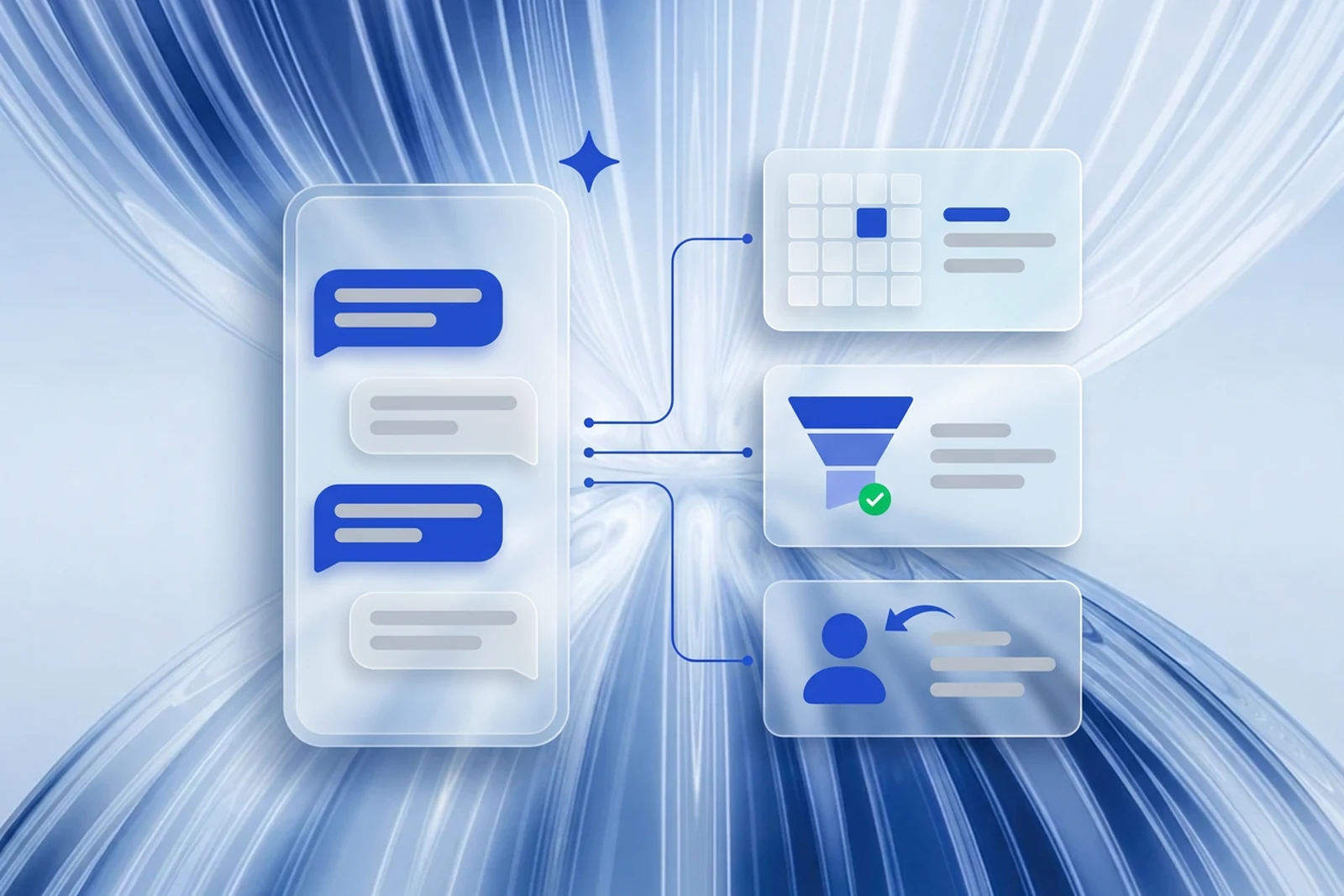
- Connect to the CRM and build the automations. A message arrives, a lead is opened automatically, it is assigned to a rep, and an immediate first reply goes out.
- Get message templates approved. Business-initiated messages, such as an order confirmation, require a template approved in advance by Meta.
What does it actually give the business?
Beyond convenience, the connection changes the way leads are handled. Here is what you gain in practice:
- No lead falls through. Every WhatsApp enquiry becomes a lead record with a full history — exactly the problem we set out in the business automation guide.
- An immediate reply, around the clock. A bot that answers within a second, collects details and hands over to a person only when it needs to.
- The whole team on the same page. Instead of a conversation stuck on one employee's phone, the entire history sits in the system and is available to everyone.
- Measurement. How many leads came from WhatsApp, what the average response time is, and what share of them close.
What does it cost, and how do you start properly?
The cost has two parts: a usage fee to the API provider, charged as a monthly subscription, and Meta's messaging rate, charged per conversation. For a small business this is usually a modest monthly expense set against the value — it is worth reading our analysis of automation cost and ROI to understand the return. The first step is choosing the right CRM, and we have put together a comparison in the guide to choosing a CRM for a small business in Israel. At Aiterra we recommend defining the process first — which automatic messages go out and at which stage — and only then making the technical connection, so the system works correctly from day one.
Want every WhatsApp enquiry captured automatically? Take a look at Aiterra's business automation service, or talk to us and we will build the connection for you.